Shortcuts
Shortcuts provide quick keyboard combinations that help you perform common actions in the builder more efficiently. By reducing the need to navigate through menus, they speed up your workflow, improve productivity, and make editing feel more fluid and responsive. Learning and using shortcuts can significantly streamline everyday tasks within the builder.
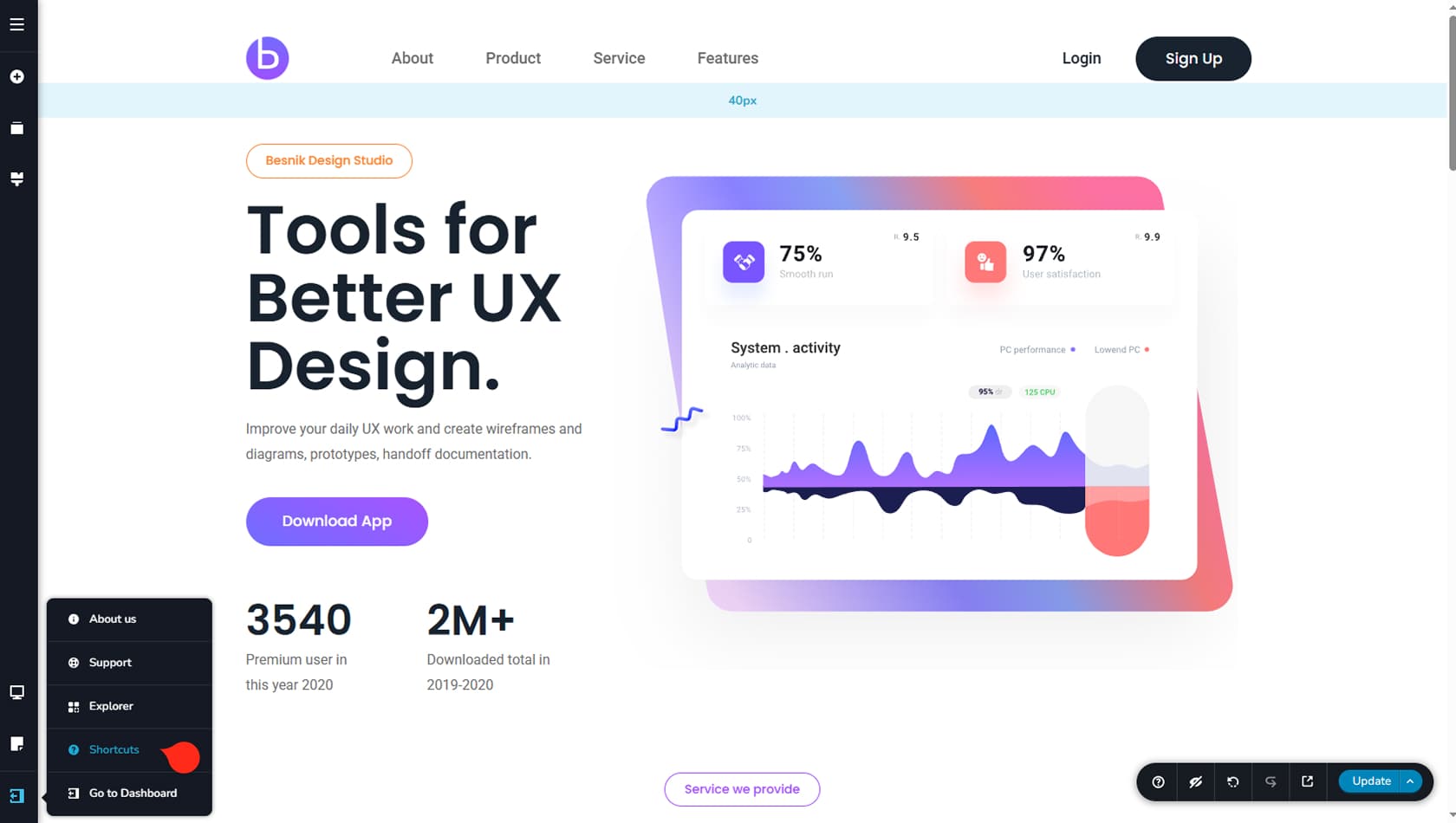
To view the list of shortcuts, click the More icon in the bottom-left corner of the interface, then select Shortcuts from the panel.
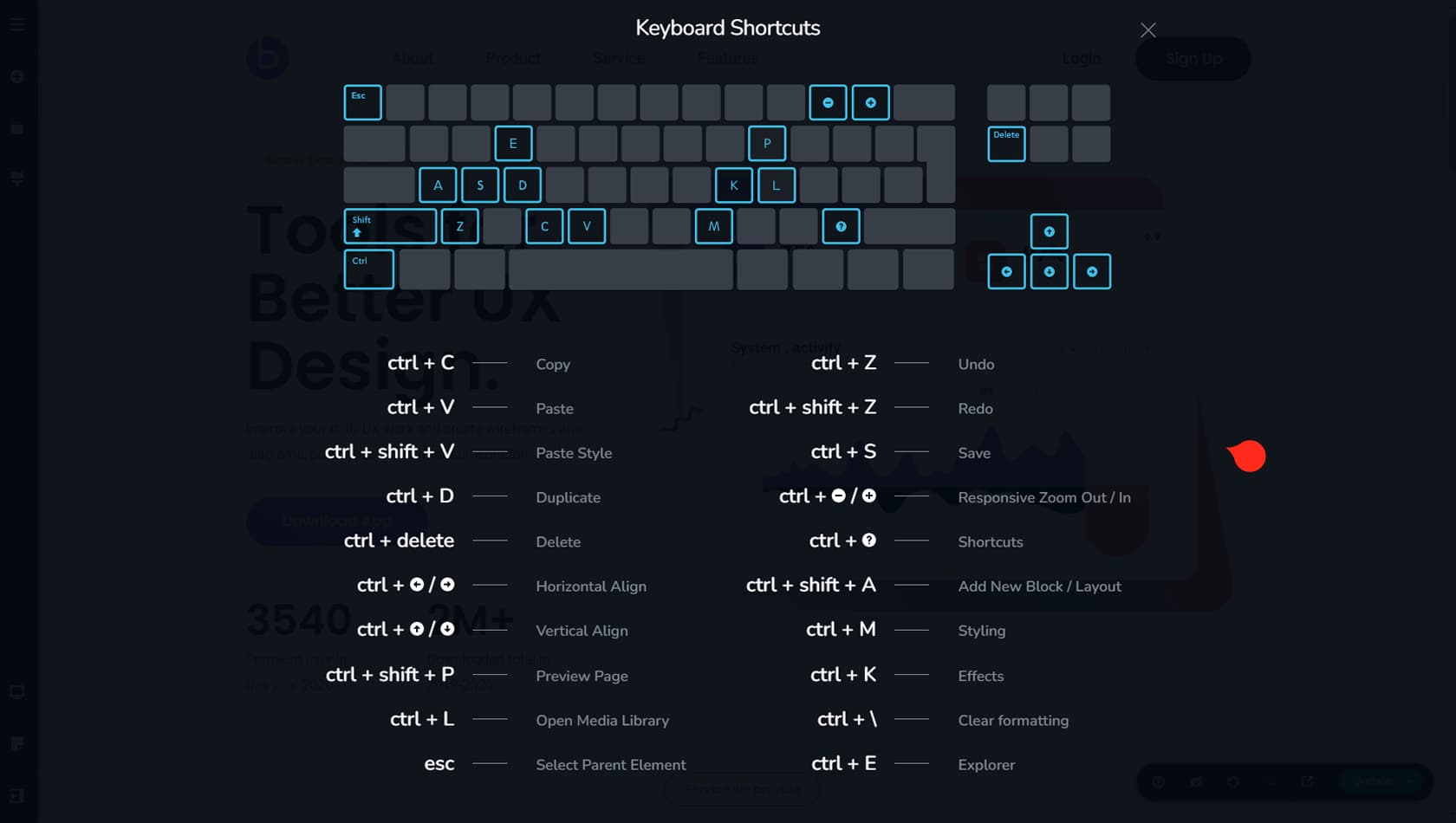
You will then see the list of available shortcuts in the builder. We recommend focusing on the ones you expect to use most frequently.
We strongly recommend using the Escape shortcut when working with layered elements that have zero padding and zero margin. In these cases, the top-right toolbar icons may overlap, but repeatedly pressing Escape lets you cycle through parent toolbar icons until you reach the element you want to edit.